Displaying the grid
Turning the grid ON and OFF
-
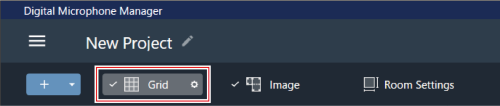
Click “Grid” in the toolbar.
- With each click, the grid display switches between ON and OFF.
- When the grid display is turned on, a check mark will appear next to “Grid”.
Changing grid display settings
-
Click the gear icon next to “Grid” in the toolbar.
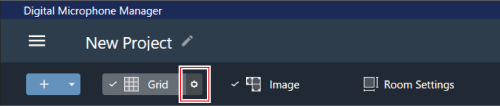
“Grid Setting” appears in the context panel.
-
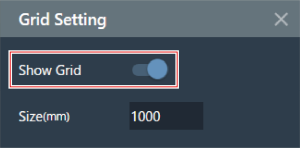
Click the “Show Grid” switch.
- With each click, the grid display switches between ON (blue) and OFF (no color).
-
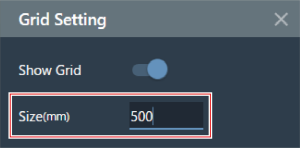
For “Size”, enter a size for each box of the grid.
-
Click the main area or press the Enter key.
Grid display settings will be changed.

|
|
|---|