Setting the room size and offset
-
Click “Room Settings” in the toolbar.
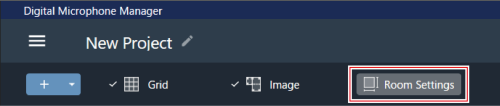
“Room Settings” appears in the context panel.
-
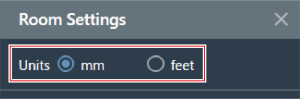
Select the unit next to “Units”.
-
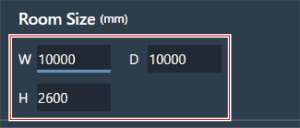
Under “Room Size”, enter the room size using “W” (Width), “D” (Depth), and “H” (Height).
-
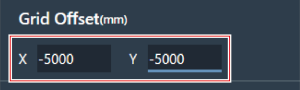
Under “Grid Offset”, enter the room offset position from the origin point using “X” (horizontal direction) and “Y” (vertical direction).
- The offset is moved in the minus direction away from the origin point. For example, to offset by 5,000 mm, enter “-5000”.
-
Click “Apply”.

The room size and offset are set.