ATW-T1401/ATW-T1402/ATW-T1406/ATW-T1407
Turn off the transmitter.
-
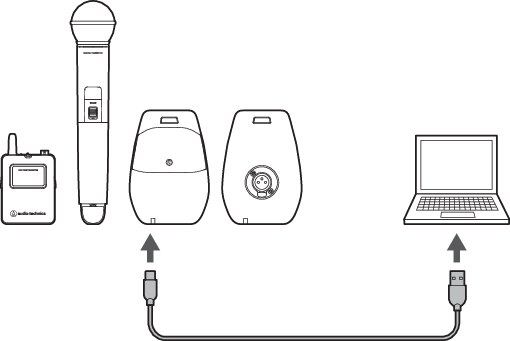
Use a USB cable to connect the USB port of the transmitter to the computer running Windows/macOS.
-
Launch Wireless Manager, and then select “Firmware Update” on the “Tools” menu.