Basic operations on Setting & Maintenance screen
This screen shows advanced settings for the entire system, as well as utilities for use during maintenance or when malfunctions occur.
-
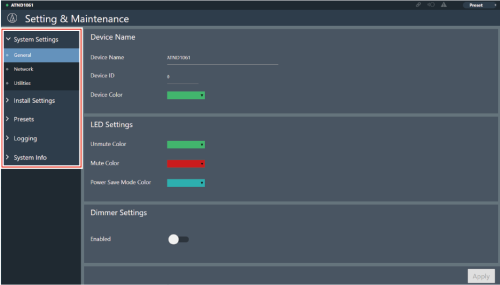
Click “>” to open the settings menu and select settings.
-
For settings requiring text input, click the field for the setting to input text.

-
For settings requiring selection from a pull-down menu, click “
 ” in the field for the setting and make a selection from the pull-down menu.
-
For settings requiring use of a switch, click the switch.
- Switching between ON (blue) and OFF (no color) will occur with each click.

-
For settings requiring the selection of values, click “
 ” or “
 ” in the field for the setting.
- The value will increase or decrease with each click.

-
Click “Apply”.
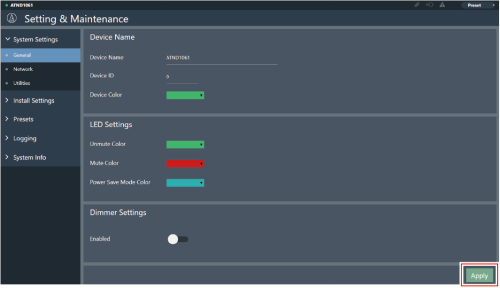
The setting will be applied.